Option 1: Exit and save the lab
Follow this option if you want to store the progress you have made so far in a lab and you wish to resume this in the future.
1. At the top-right corner of the menu, click on the "hamburger" icon to view the available options:
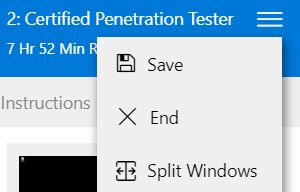
2. Click Save.
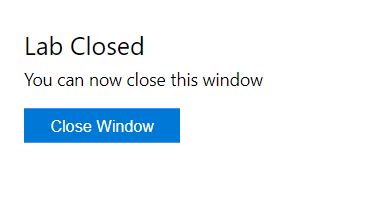
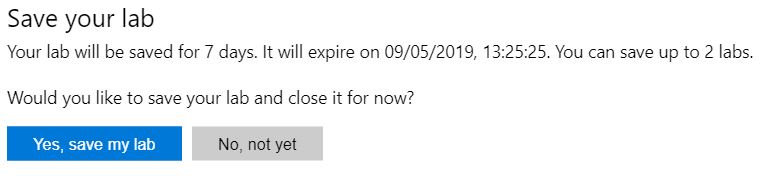
3. A prompt will then pop up informing you about the lab duration. Select Yes, save my lab.
Option 2: End the Lab (*Not recommended as this will complete the lab and you will not be able to launch the lab. If have marked the lab as completed please contact us to mark the lab as cancelled)
Follow this option if you would like to discard the progress you have made so far in a lab and you wish to restart this in the future.
1. At the top-right corner of the menu, click on the "hamburger" icon to view the available options:
2. Click End.
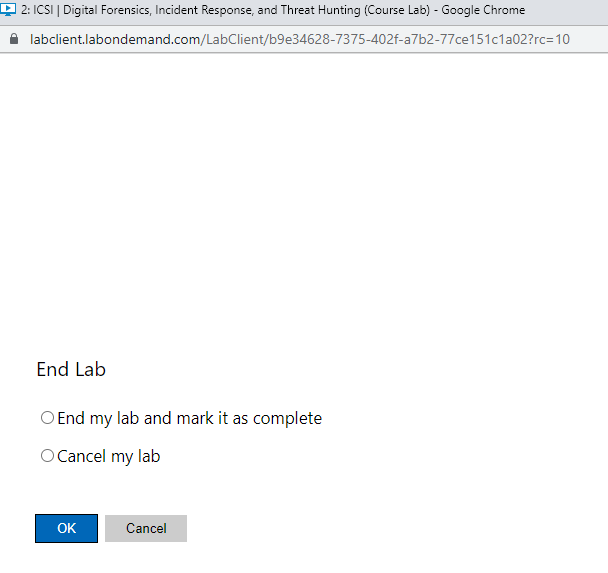
3. In the pop-up window, select the option Cancel my lab and click OK.
The first option End my lab and mark it as complete is not recommended as this will complete the lab and you will not be able to launch the lab. If have marked the lab as completed please contact us to mark the lab as cancelled
4. At the last prompt, press the Close Window button.