
If you are unable to access your Online Labs because you have forgotten your password, you can reset it through the Sign in process.
*This article applies to users where lab access has been given on the portal https://icsi.learnondemand.net.
1. Go to https://icsi.learnondemand.net and click Sign In.
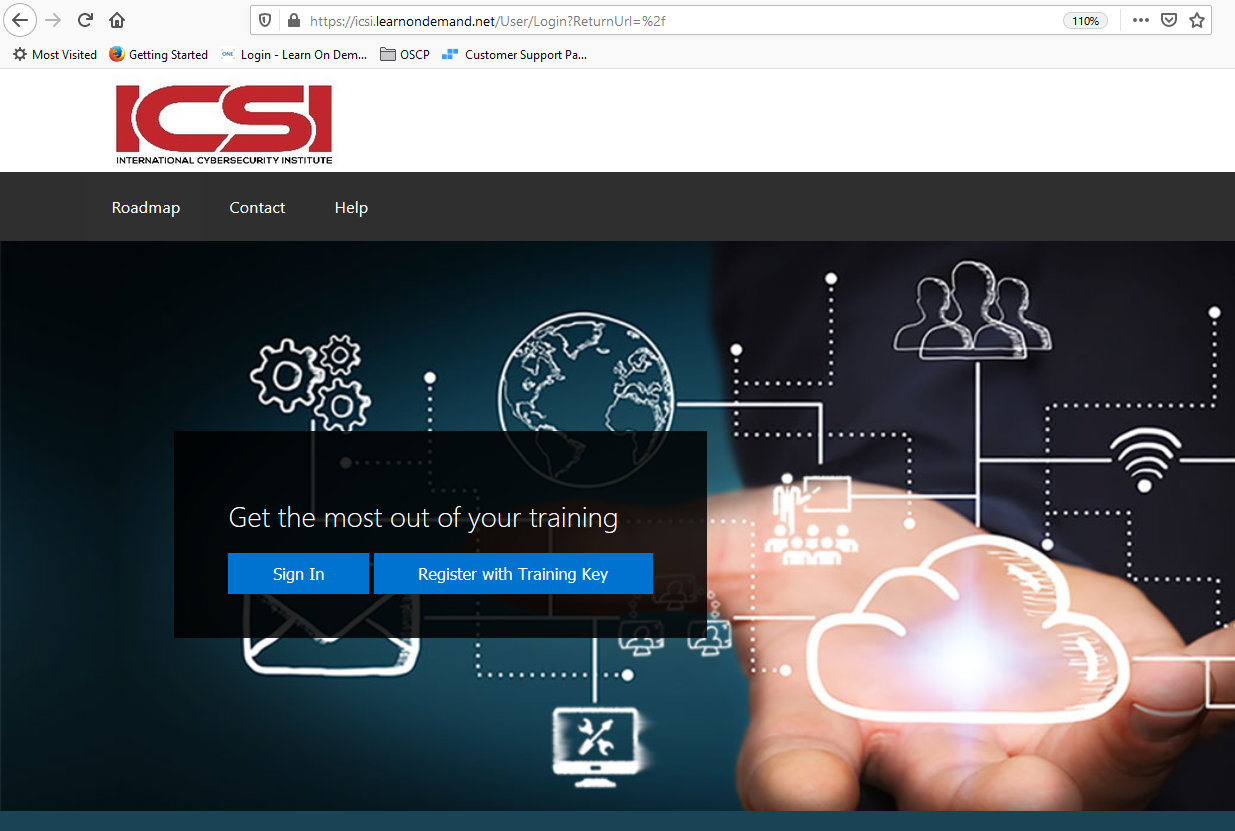
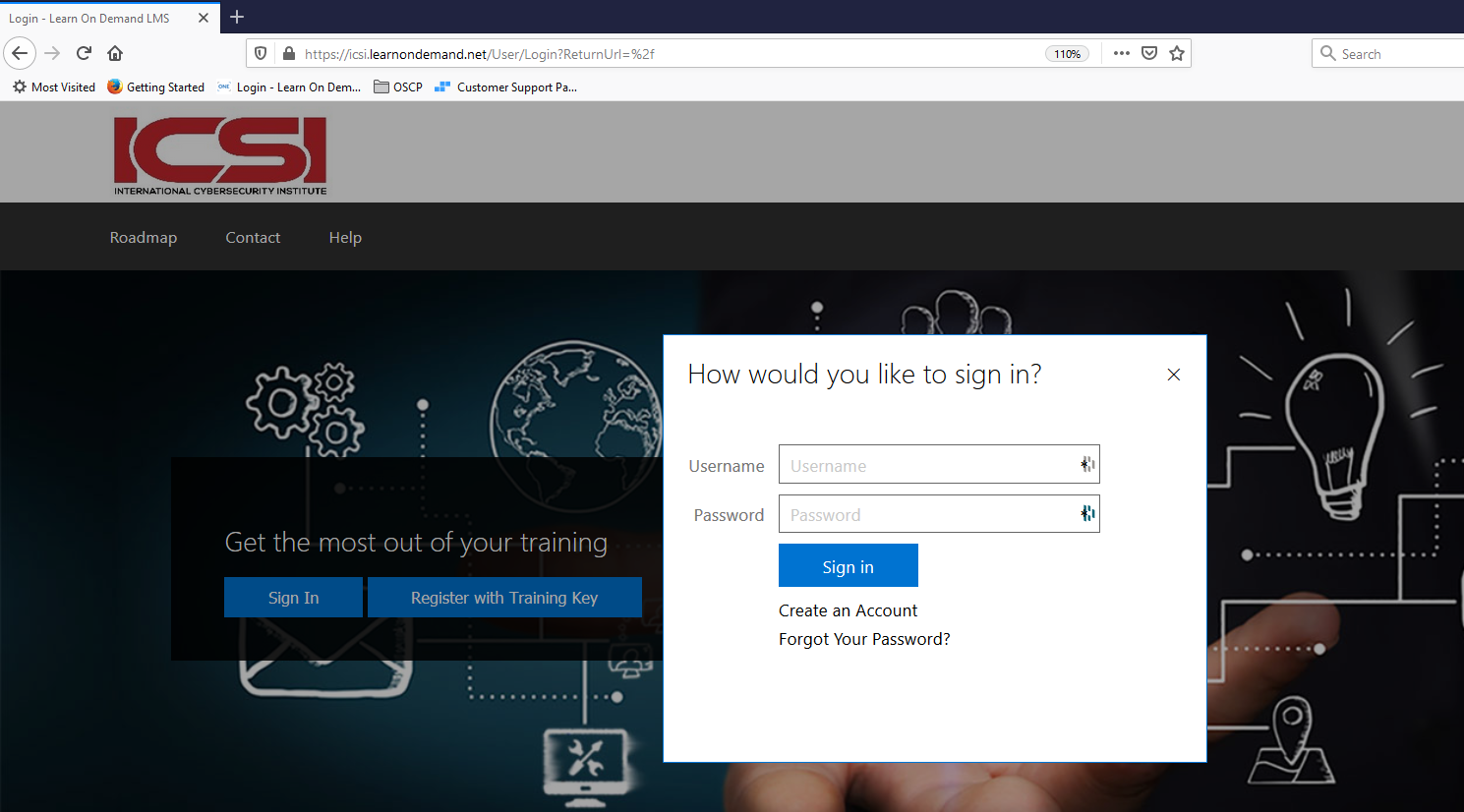
2. On the Sign In page, click on Forgot Your Password?
3. In the Primary Email field, type your email address and click Send Instructions.
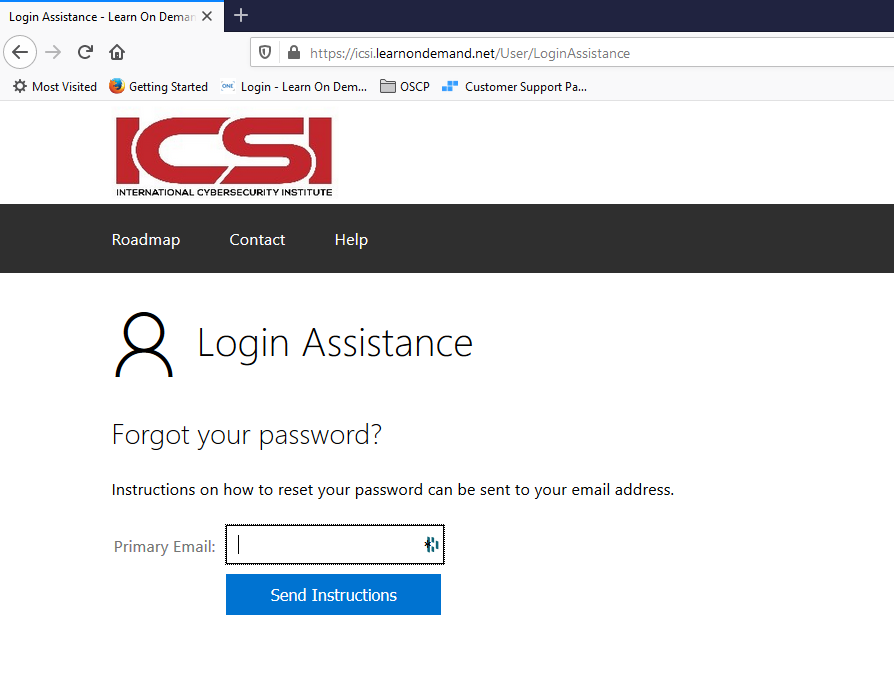
4. This will send you an email that will guide you through the reset password process.